spool

A print queue for Bambu printers.

Set up spool →
What it does ↓

What it does
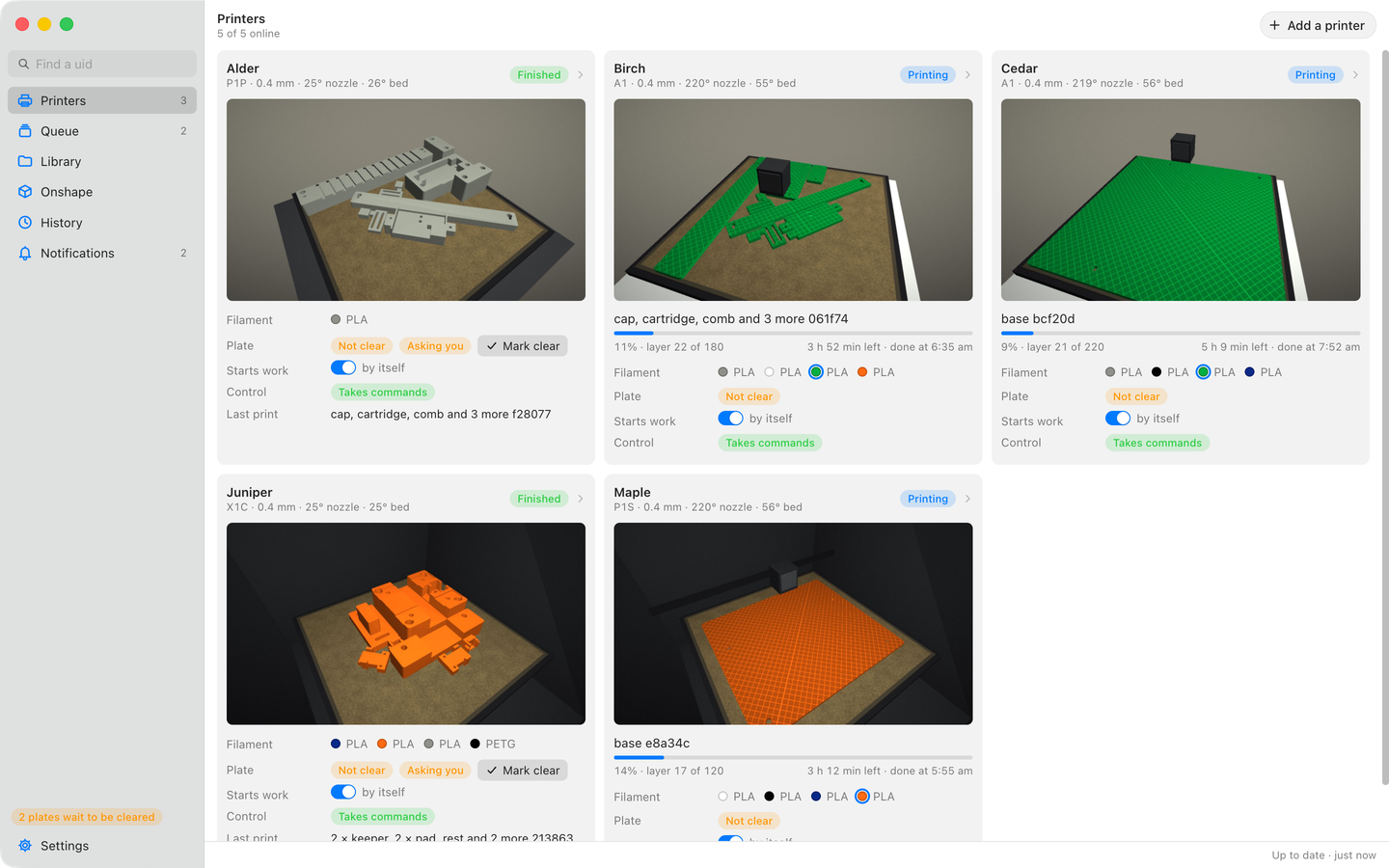
The Printers page: five printers, each with its camera on its plate. Three are printing, their parts standing as far as printed with how far along each is and when it will be done; two have finished, their prints still on the plate, which is not clear, and spool is asking whether it is. Each shows the filament in its trays.
Every printer at a glanceLive camera, progress, the filament in each tray, and whether the plate is clear.
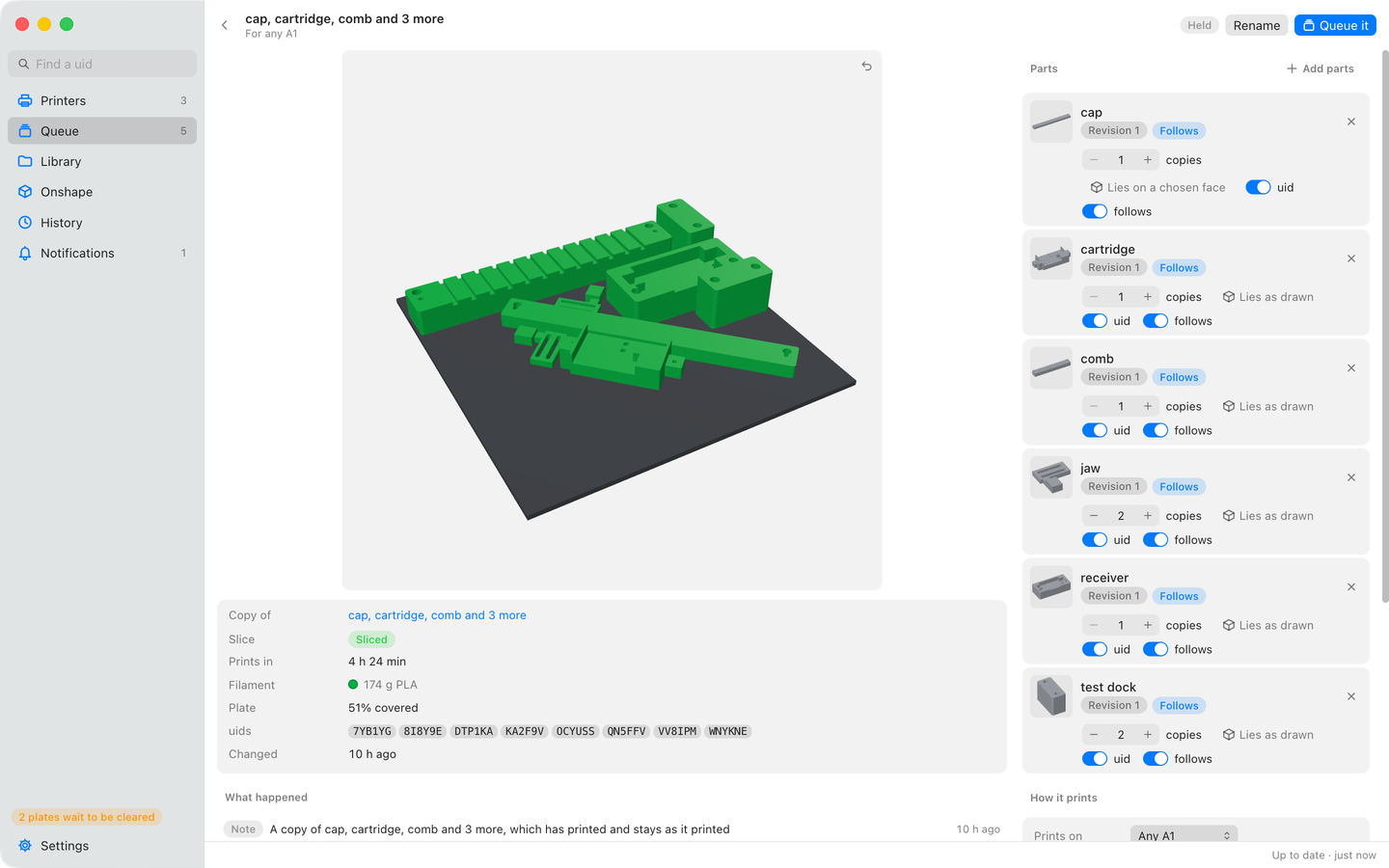
A held bed: six parts on the plate drawn in 3D in green filament, beside its parts with how many copies of each, a uid cut into every copy and whether each follows new versions; below, its slice: 4 h 24 min and 174 g of PLA, with the copies' uids.
Beds that slice themselvesPut parts on a plate and turn it in 3D, with how many of each and a unique id cut into every copy. It slices again when a part changes.
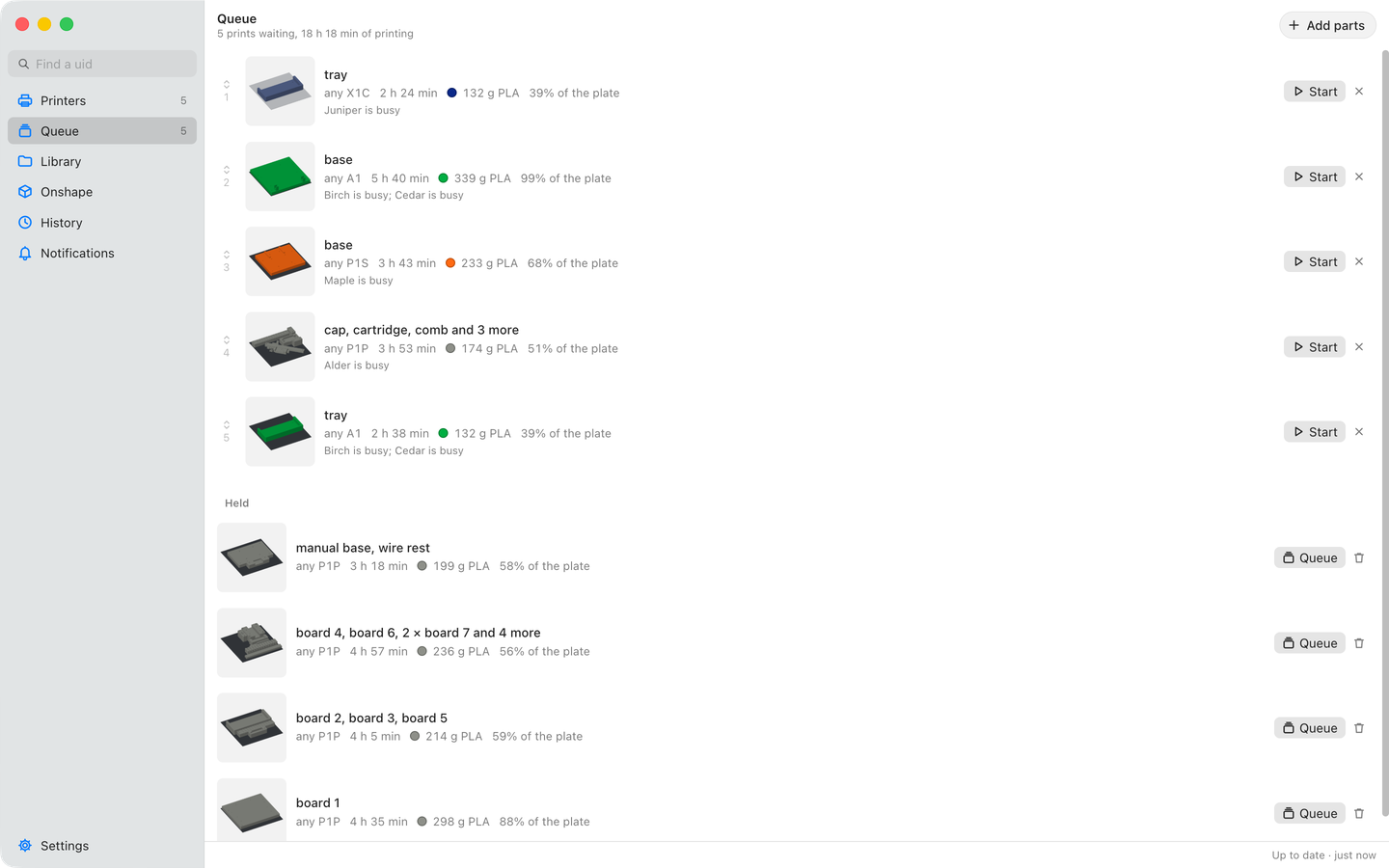
The Queue page: five prints waiting in order, each with its plate, the printer model it goes to, its time, filament and what it waits for, and below them the held beds, each with a button to queue it.
A queue that runs itselfThe next print starts as soon as its printer's plate is clear, and each says what it waits for. Held beds wait until you queue them.
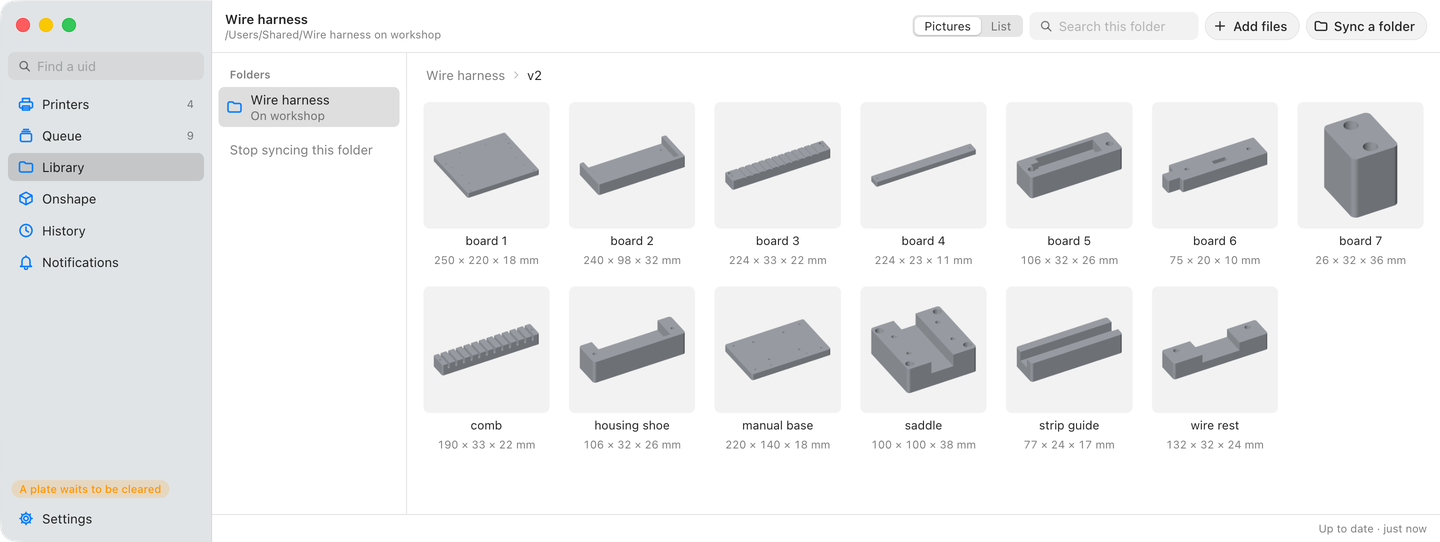
The Library: a watched folder of wire harness tooling, open at one of its folders, thirteen parts each drawn with its size.
Parts from your folders and OnshapeA watched folder stays in its own layout, every part drawn with its size. Parts from Onshape follow their newest version.
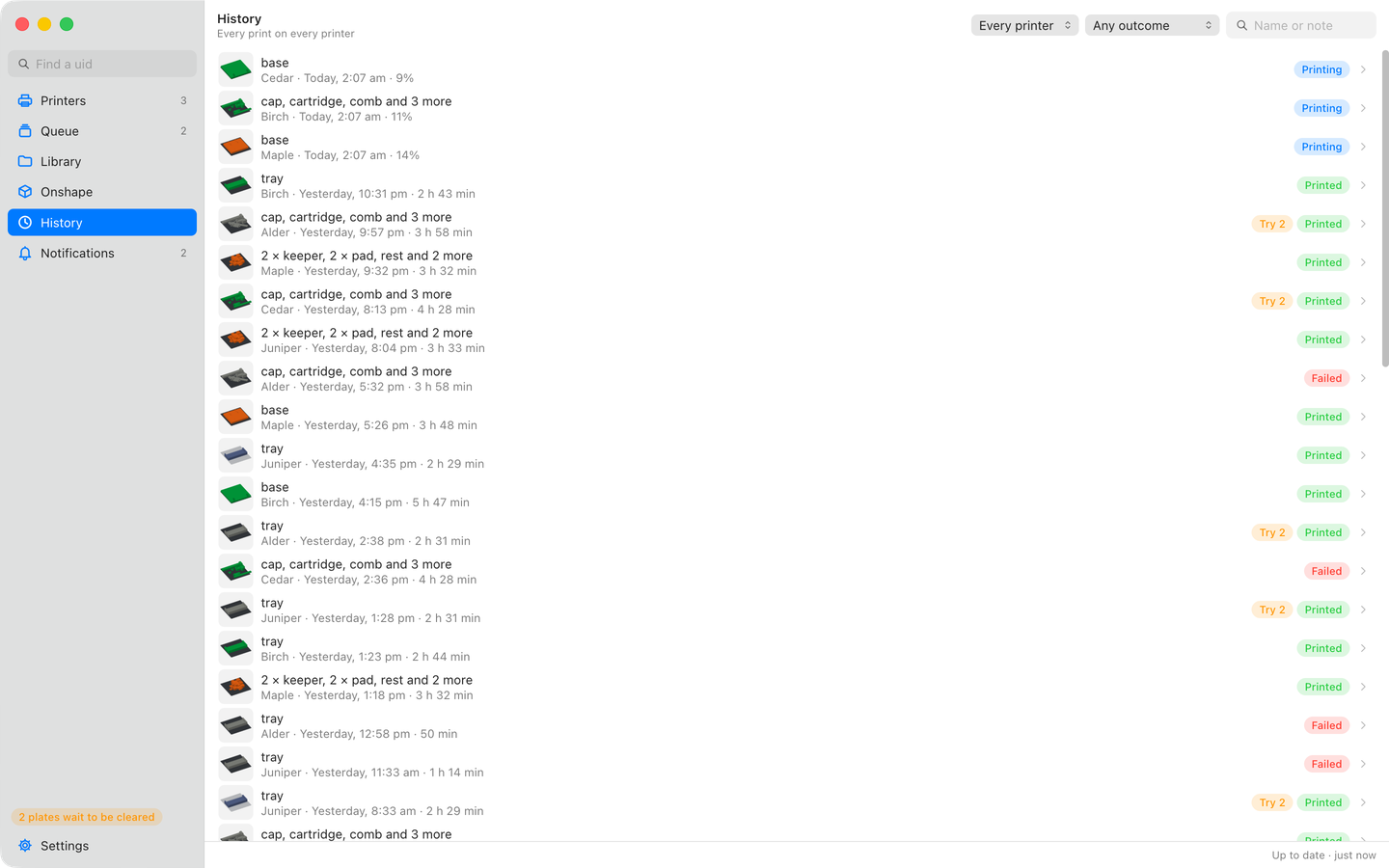
History: the prints on five printers from yesterday morning to now, newest first, each with its plate, printer, when it started, how long it took or how far it has got, and whether it printed or failed, the second tries marked.
Every print rememberedWhat printed where, when, for how long and how it went. Open a print for its settings and the unique id cut into each copy, so any part tells you where it came from.